

A practical look at car screen OCA lamination: what failed panels usually show, how to read those defects, and how to choose a bonding setup without making the process harder than it needs to be.
A car navigation screen may look clean when it comes out of the chamber. Then the angle changes. A pale edge bubble appears near the black border, or a soft grey patch shows beside the ribbon cable. At that moment, the issue is no longer just a small cosmetic defect. It means another inspection, another rework decision, and possibly one more panel that cannot leave the bench.
That is why a display OCA machine for car screens should be judged by real panel behaviour, not only by the maximum size on a product page. Automotive displays are wider, heavier, and more sensitive around edges than many phone screens. They also face sunlight, cabin heat, vibration, and frequent touch use after installation.
In actual repair work, most lamination failures do not come from one big mistake. Usually, two small problems meet at the same time. A slightly dusty black border meets short vacuum time. A wide cover glass meets weak fixture support. A rushed alignment step meets a slippery OCA surface. For broader repair and bonding equipment options, Jiutu Store also provides related solutions for screen repair and display bonding workflows.
This article keeps the focus practical. It explains what different defects mean, how to adjust the process without guessing, and when a workshop should consider a more suitable bonding setup. The goal is not to make the article longer. The goal is to make the next test panel easier to understand.
 View Optical Bonding Machine
Symptom classification: what the failed panel is saying
A failed car screen usually gives a clue. However, the clue is easy to misread when the panel is still warm or the inspection light is too soft. A better habit is to check the screen twice: once under straight white light and again from a low side angle after the panel has cooled for a short time.
This simple habit prevents random adjustment. Instead of changing pressure, heat, and vacuum time all at once, the defect can be sorted by type and position. That makes the next correction calmer and more useful.
Edge bubbles near the black border
Edge bubbles often show as small white crescents near a corner or long black border. On car screens, this area is tricky because the cover glass may have ink, a slight step, old adhesive residue, or a curved edge. If the same corner fails several times, the problem is probably not luck.
The first reaction should not be stronger pressure. In many cases, higher pressure only squeezes the centre harder while the edge still lacks proper wet-out. A better first check is border cleaning, vacuum hold time, OCA thickness, and fixture support under that edge.
Centre bubbles
Centre bubbles are easier to see, but they are not always easier to solve. A round mark in the viewing area may be trapped air. It may also be a dust particle, a fibre, or a tiny dried adhesive point left from previous handling.
A side-light check helps separate air from contamination. If the mark stays sharp and fixed, cleaning may be the real issue. If it changes slightly during bubble removal, vacuum extraction or pressing sequence deserves attention.
Mura, clouding, and pressure shadow
Mura looks like uneven brightness, a pale patch, or a soft grey cloud. On a car display, this problem is easy to notice because the screen sits in a fixed dashboard position. Morning sunlight through the windshield can make a faint patch look much more obvious than it did on the bench.
This type of defect often points to pressure stress, poor backing, uneven heat, or cable-side support issues. If a shadow appears near the ribbon cable, stronger pressure is usually the wrong direction. The panel needs better support and a gentler bonding curve.
Alignment drift
A 0.5 mm shift may sound small. On a dashboard screen, it can still expose a black edge, cover a sensor window, or make the touch area feel slightly off. Wide cover glass also moves more easily during vacuum drawdown if the locating support is weak.
For this reason, alignment should use two reference points, not one corner. A long edge and a diagonal corner often give a more honest reading. If the glass keeps moving during drawdown, the fix is usually mechanical: better locating support, slower initial vacuum, and less hand pressure during placement.
Defect comparison table
| Visible symptom | Likely meaning | First check | First correction |
|---|---|---|---|
| Edge bubbles | Weak edge wet-out or trapped air | Side-angle light after cooling | Clean border again and extend vacuum hold |
| Centre bubble | Air pocket or small contamination point | Magnifier and side-light check | Improve cleaning and vacuum extraction |
| Mura or clouding | Pressure stress or uneven support | Black-screen and white-screen inspection | Lower pressure and improve backing support |
| Glass shift | Movement during vacuum drawdown | Diagonal reference check | Use better locating support |
| OCA overflow | Too much pressure, heat, or adhesive thickness | Border spread test | Reduce pressure or adjust OCA size |
Root-cause troubleshooting table
A root-cause table sounds plain, but it is useful in real repair work. It turns a vague problem into a visible pattern. Instead of saying “this screen failed again”, the bench can record where it failed, when it appeared, and what changed before the defect showed up.
For car screen OCA lamination, the useful record is short: screen size, cover glass type, OCA thickness, vacuum time, pressure, temperature, bonding time, and defect position. After several panels, repeated patterns usually become clear.
| Process area | What to inspect | Common root cause | Better fix |
|---|---|---|---|
| Cleaning | LCD surface, cover glass, black border | Oil, dust, old glue, coating residue | Use a fixed cleaning route and final side-light check |
| OCA material | Thickness, age, storage, cut size | Poor gap match or uneven adhesive flow | Match thickness to the real screen stack |
| Vacuum | Seal, hose, pump recovery, hold time | Air remains before pressure begins | Extend vacuum hold and inspect sealing parts |
| Pressure | Pad flatness, platform level, backing support | Excessive or uneven force | Reduce peak pressure and support the cable side |
| Fixture | Edge support, cable relief, height balance | Panel flex or local stress | Improve support before changing pressure |
 View OCA Vacuum Laminator Machine
Parameter fixes: adjust slowly and read the result
Parameter correction should be slow and traceable. When vacuum time, pressure, and temperature all change in one trial, the next result becomes hard to trust. A display OCA machine gives useful control only when one setting changes at a time.
For a new screen model, start with a conservative recipe. Bond one test panel, cool it flat, inspect it under the same light, and record the result. This feels slower at the beginning, but it prevents a full batch from repeating the same hidden defect.
Vacuum time
Wide glass needs time for air to leave. A short vacuum step may work on small phone panels but leave air near long car-screen borders. If bubbles shrink after adding 10 to 20 seconds of vacuum hold, air extraction was part of the problem.
Pressure
More force does not always create a cleaner panel. Too much pressure can push OCA toward the cable area, cause mura, or squeeze adhesive away from the edge. For car screens, moderate pressure with stable backing is usually safer than aggressive pressing.
Temperature
Heat helps OCA flow, but it can also make adhesive move too fast. If one side bonds faster than the other, the result may show haze or uneven edge wet-out. During sample testing, a slightly lower starting temperature can make the spread pattern easier to read.
OCA thickness
OCA thickness should match the screen stack, not last week’s habit. A thinner adhesive may reduce overflow but fail to fill small gaps. A thicker adhesive may fill better but squeeze out under too much pressure. If cleaning and vacuum are already stable, repeated edge lift often means the adhesive match needs another look.
Daily workflow: small habits that protect yield
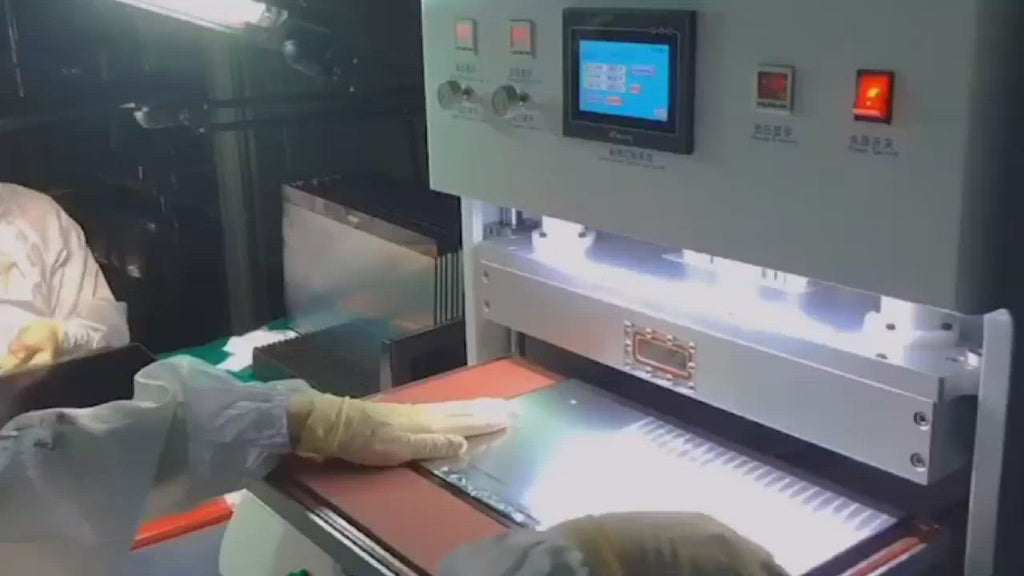
A clean result often starts before the screen enters the chamber. The panel should be inspected before cleaning, because scratches, coating marks, corner chips, or cable-side height problems need to be seen early. If the panel rocks on the fixture, the process is already unstable.
Cleaning should follow the same route each time: centre first, long edges next, short edges after that, and corner radius last. Meanwhile, the black border needs a side-light check because residue often hides there. A rushed wipe can spread oil instead of removing it.
Alignment also needs patience. Large glass can look straight on one edge while the opposite corner has already shifted. A long edge and a diagonal corner give a better check. For repeat models, small fixture marks can reduce hand movement and lower dust risk.
After bonding, the panel should cool flat before final approval. Warm panels should not be stacked, because pressure marks and delayed edge lift can appear later. A fixed cooling rule is easier to follow than a judgement call during a busy afternoon.
 See the Laminator for Display Repair
Pre-lamination checklist
This checklist is intentionally short. It focuses on the checks that prevent the most common car-screen failures.
- Confirm screen size, cover glass shape, cable position, and border structure.
- Check whether the screen sits flat on the fixture without rocking.
- Clean the LCD surface, cover glass, black border, and corners.
- Inspect under straight light and side-angle light before bonding.
- Confirm OCA thickness, cut size, storage condition, and surface quality.
- Check vacuum sealing, chamber cleanliness, and platform level.
- Start with moderate pressure and controlled temperature.
- Cool the panel flat before final inspection.
How to Choose a Display OCA Machine for Car Screen Lamination
Choosing equipment should start from real work, not from the biggest number in the specification sheet. The useful questions are simple. What is the largest regular screen size? Which defect wastes the most time? How often does the screen model change?
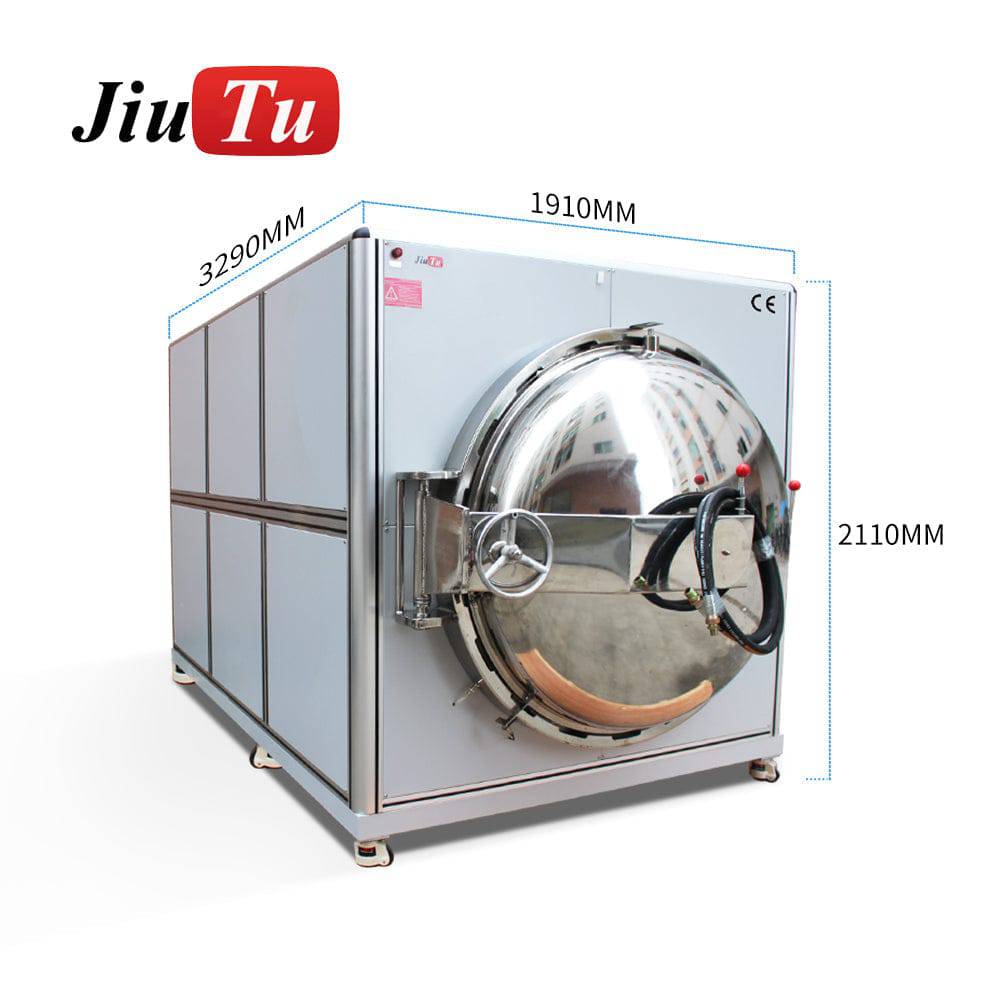
A suitable display OCA machine should make the process easier to control, not more complicated. If a 12.3-inch screen barely fits on the platform, the operator has little room to place, align, and remove it safely. That small handling stress can create dust, shift, or edge defects before the machine even begins bonding.
For mixed repair work
Mixed repair work needs flexibility. One week may include a 7-inch navigation screen, a tablet-size display, and a larger centre console panel. In this situation, fast recipe adjustment, stable vacuum, and practical fixture access matter more than a machine that only looks large.
For repeat refurbishment
Repeat refurbishment needs consistency. Once a recipe works, the fixture, cleaning route, OCA cut size, and cooling rule should stay fixed. Even a small support change can shift the pressure pattern and bring back a corner bubble.
For industrial display modules
Industrial display work needs stronger documentation. A process for an optical bonding display should connect machine capability with fixture design, adhesive choice, sample testing, and final inspection standards. The machine is important, but it is still part of a wider process.
 View Optical Bonding Display Machine
When replacement or upgrade makes sense
Not every defect means the machine is wrong. Many problems come from cleaning, material storage, weak support, or rushed inspection. However, some signs show that the current setup may no longer match the work.
If the largest regular screen barely fits, upgrade planning is reasonable. A tight platform makes placement awkward and increases the chance of glass shift. If vacuum recovery is slow on wide panels even after maintenance, the system may also be undersized for the job.
Heating balance is another signal. If one side of the screen consistently bonds differently from the other, pressure changes alone will not solve the problem. The plate, fixture material, and overall machine design should be reviewed together.
Finally, if the same defect survives good cleaning, stable OCA material, checked vacuum, moderate pressure, and proper backing support, the equipment may be the limit. At that point, the next display OCA machine should be selected to solve a named problem, such as larger chamber space, better pressure stability, or safer handling for wide automotive screens.
FAQ
What causes bubbles after car screen OCA lamination?
Bubbles usually come from trapped air, dust, edge residue, weak vacuum hold, or poor fixture support. Edge bubbles often point to border wet-out. Centre bubbles often point to cleaning or air extraction.
Why does a car display show clouding after bonding?
Clouding or mura often comes from excessive pressure, uneven backing support, or heat imbalance. The cable side should be checked carefully because it may create local stress during pressing.
Is optical bonding suitable for car navigation screens?
Yes, optical bonding can suit car navigation screens when the screen stack, OCA material, fixture support, and bonding parameters are matched correctly. The edge area needs special attention because automotive screens face heat, sunlight, and vibration.
When should a larger machine be considered?
A larger setup should be considered when the regular panel barely fits, vacuum stability is weak on wide screens, or fixture workarounds become too complicated. The upgrade should solve a clear process problem.
How can rework be reduced on automotive screens?
Rework drops when the process becomes traceable. Record defect positions, keep a fixed cleaning route, change only one parameter at a time, and inspect panels after cooling before final approval.
Final notes
Car screen lamination becomes more stable when the process is easy to read. Clean surfaces, enough vacuum time, balanced support, controlled heat, and patient cooling inspection all matter. The machine matters too, but it should support the process rather than hide weak steps.
Before the next test panel, keep three actions simple:
- Map every visible defect by position before changing settings.
- Adjust one parameter at a time, then cool and inspect under the same light.
- Match fixture support, OCA thickness, and machine size to the real screen stack.
For a quotation, sample-machine suggestion, or adaptation plan for automotive display lamination, contact Jiutu with screen size, panel photos, OCA type, expected batch rhythm, and current defect examples.
Contact Jiutu for Machine Advice